

What you need
Lanturne needs three things: a watch for the person you look after, a phone to set up that watch the first time, and your own phone.
The short version
| What it needs to be | |
| The watch | A Wear OS smartwatch, such as a Samsung Galaxy Watch or a Pixel Watch |
| A phone to set the watch up | An Android phone, usually the wearer's own |
| Your phone | An Android phone with the Lanturne app |
| Your emergency contact's phone, if you name one | An Android phone with the Lanturne app, signed in with the email address you added |
Lanturne runs on Android and Wear OS, in English.
Here's what one subscription covers, and what it costs.
Which watch to buy
We suggest the Samsung Galaxy Watch 7. It's the watch we build and test Lanturne on every day, and refurbished Galaxy watches start at $89. If the person you look after already wears a Wear OS watch, that one works too.
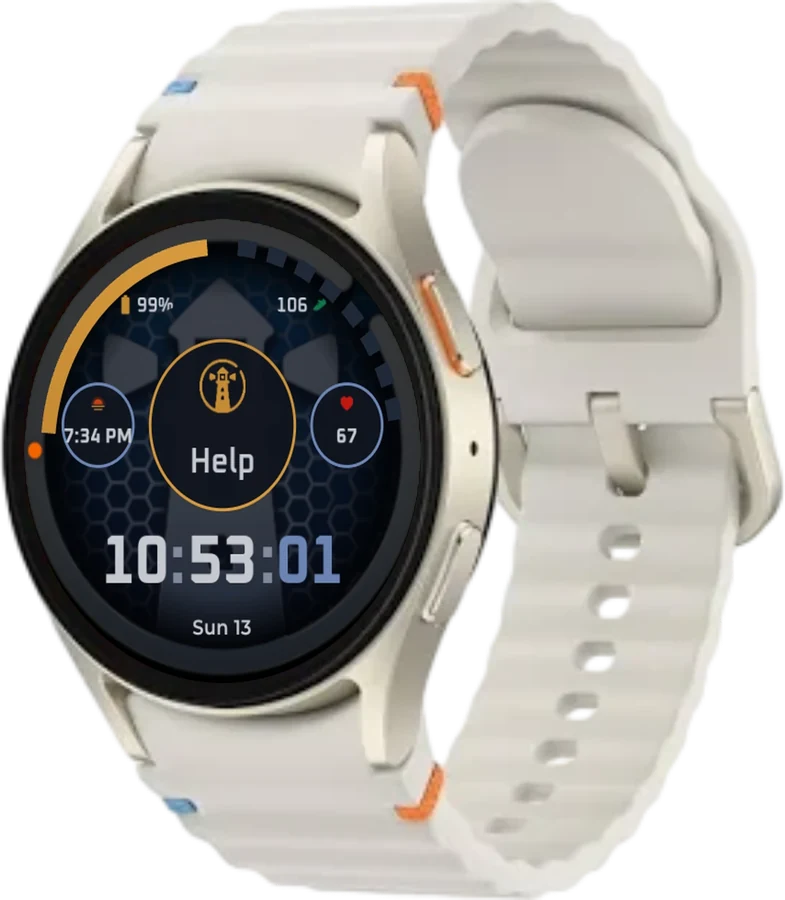
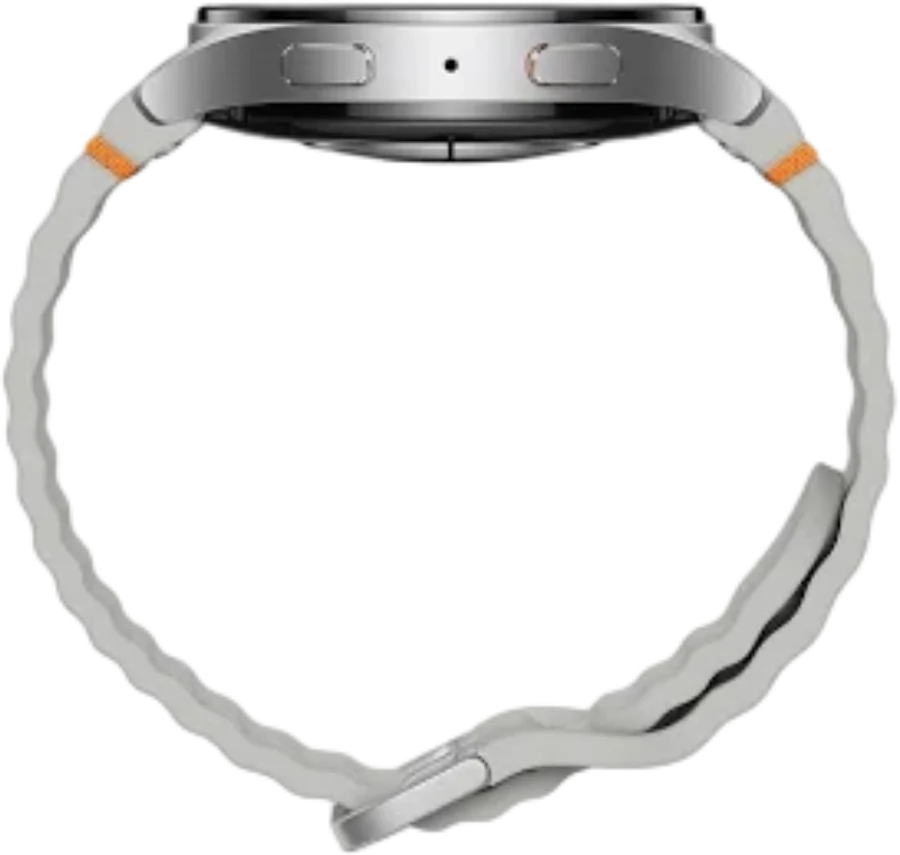
Get the larger size. The Galaxy Watch 7 comes in 40 mm and 44 mm. The larger one has a bigger screen, so the time is easier to read and the HELP button is easier to find.
Any watch running Wear OS 3 or later works. That includes:
| Brand | Watches |
| Samsung | Galaxy Watch4, Watch5, Watch5 Pro, Watch6, Watch6 Classic, Watch7, Watch Ultra, Watch FE, Watch8 |
| Pixel Watch, Pixel Watch 2, Pixel Watch 3, Pixel Watch 4 | |
| OnePlus | OnePlus Watch 2, OnePlus Watch 3 |
| Mobvoi | TicWatch Pro 5 |
| Others | Xiaomi Watch 2 Pro, Fossil Gen 6, Montblanc Summit 3 |
Fitbit, Garmin and Apple watches don't run Wear OS.
A band that is easy to put on
A buckle can be hard to do up with stiff fingers, so we suggest a stretchy fabric band with a magnetic end, such as the One Click elastic magnetic band. It slides over the hand and closes with a magnet. Its listing says it fits the Galaxy Watch 7, 6, 5 and 4, Classic and Pro models included. For a Pixel Watch or another Wear OS watch, look for a stretch band made for that model.
We don't sell watches or bands, and we earn nothing from what you buy.
What Lanturne looks like on the watch
The watch keeps working as it always has, and Lanturne adds a HELP button. Here's what happens when it's held down.
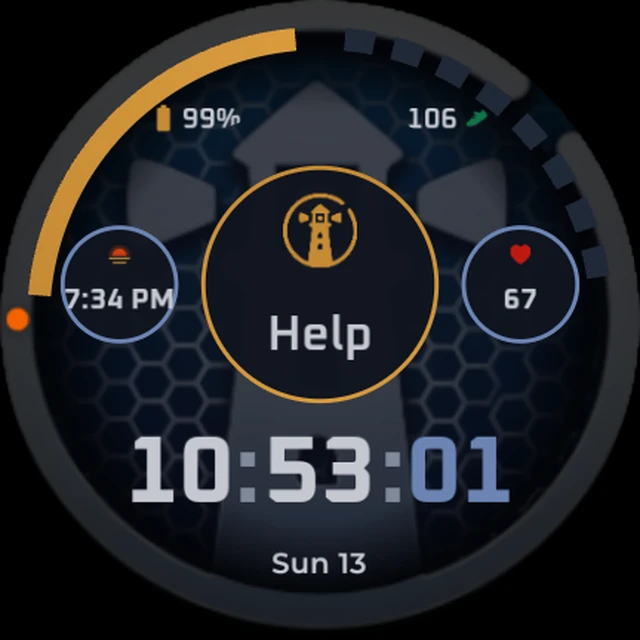
The optional Lanturne watch face puts a Help button in the middle of the face.

You can be anywhere
The watch sends everything to Lanturne over the internet, and Lanturne sends the alert to your phone wherever you are, on the next street or in another country.
- Your phone and the watch never need to be near each other. You pair them once, and the setup guide shows how.
- If your phone is off or lost, the watch keeps reporting, and when you sign back in, everything is there in the app. Your emergency contact still gets the alert.
How the watch gets online
The watch only needs one of these four.
Any one of these
- Wi-Fi it knowsTheir home, your home, a care home.
- The phone it was set up withOver Bluetooth, when that phone is nearby.
- A phone's hotspotiPhone or Android, once it has joined.
- Its own mobile planLTE watches only. No phone needed.
Then
- LanturneGets the report and sends the alert.
Your phone, wherever you are.
1Wi-Fi it knows
That can be the wearer's home, your home or a care home. Once the watch has joined a network, it reconnects by itself.
2The phone it was set up with
The watch uses that phone's connection over Bluetooth, and you don't need to switch anything on. If the wearer carries that phone, the watch stays connected wherever the phone has signal.
3A phone's hotspot, iPhone included
Join any iPhone or Android hotspot from the watch once. After that, the watch reconnects by itself whenever that hotspot is on. The phone doesn't need Lanturne.
4Its own mobile plan
A watch with LTE can get its own plan from a mobile carrier.
When it's offline
Setting the watch up
The first time a Wear OS watch is switched on, it gets set up with an Android phone. Usually that's the wearer's own.
After that, follow the setup guide. It walks you through the phone app, the pairing code and each setting the watch needs.

Questions? Use the contact form at lanturne.com/contact. A person reads every message.